Live TV
Channel groups and a clean channel list with logos. One tap to play, and a quick source switcher when you have more than one.
iPhone · iPad · Apple TV · Mac
Bring your own Xtream Codes login or M3U playlist and enjoy live TV, movies and series in one cinematic, ad-free player built natively for Apple devices.
Bee IPTV Player is a media player only. It does not provide any content, channels or playlists – you need your own subscription.
Features
Channel groups and a clean channel list with logos. One tap to play, and a quick source switcher when you have more than one.
Poster grids, categories, detail pages with seasons and episodes, and similar titles to keep you going.
The programme guide loads automatically for Xtream Codes sources and for M3U playlists that include a guide link.
Continue Watching resumes any movie or episode, and My List keeps the titles you want to see next.
Hardware-accelerated playback with built-in decoders for HLS, MP4, MKV and MPEG-TS, H.264 and HEVC, AAC, AC-3, E-AC-3 and DTS, with automatic decoder fallback.
Search across channels, movies and series, and choose the audio and subtitle tracks that are inside your stream.
A closer look
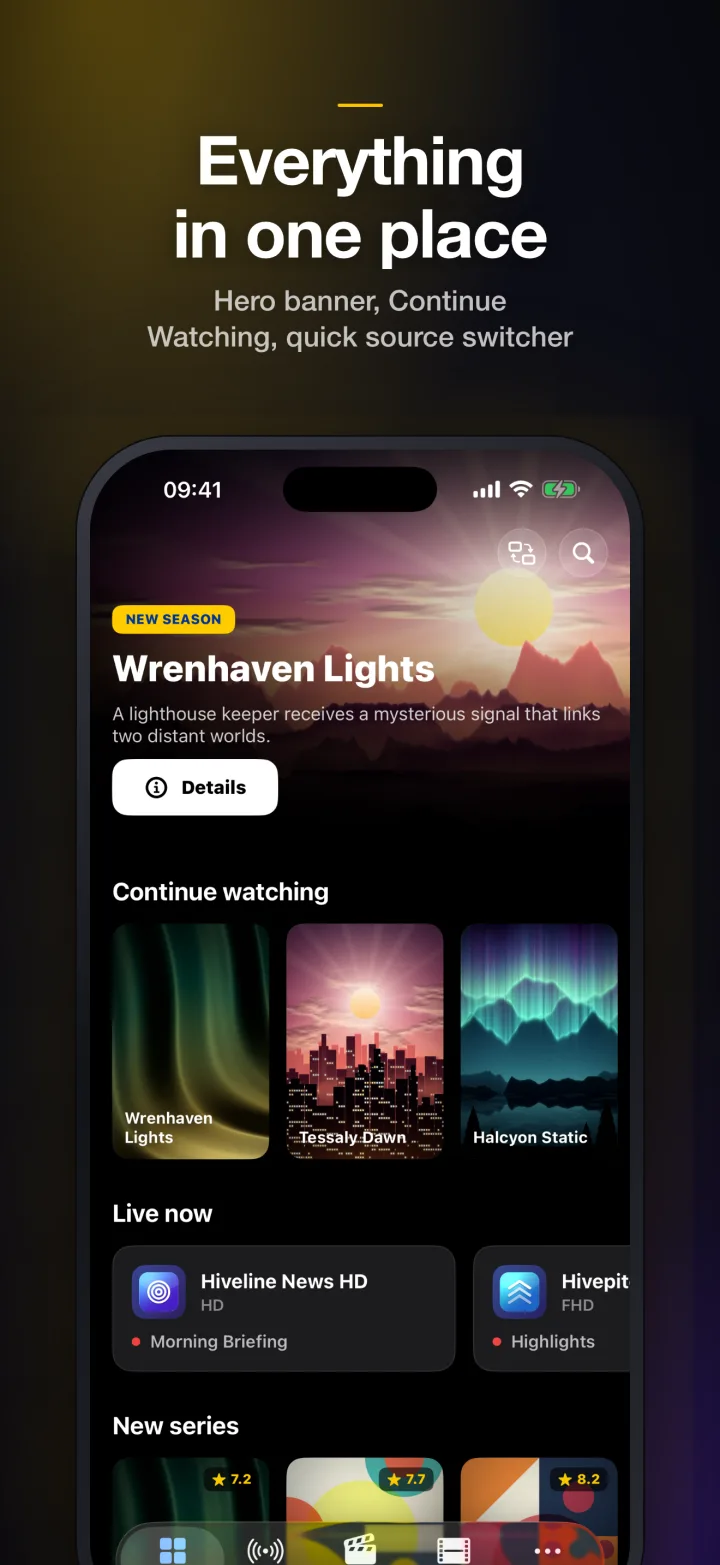
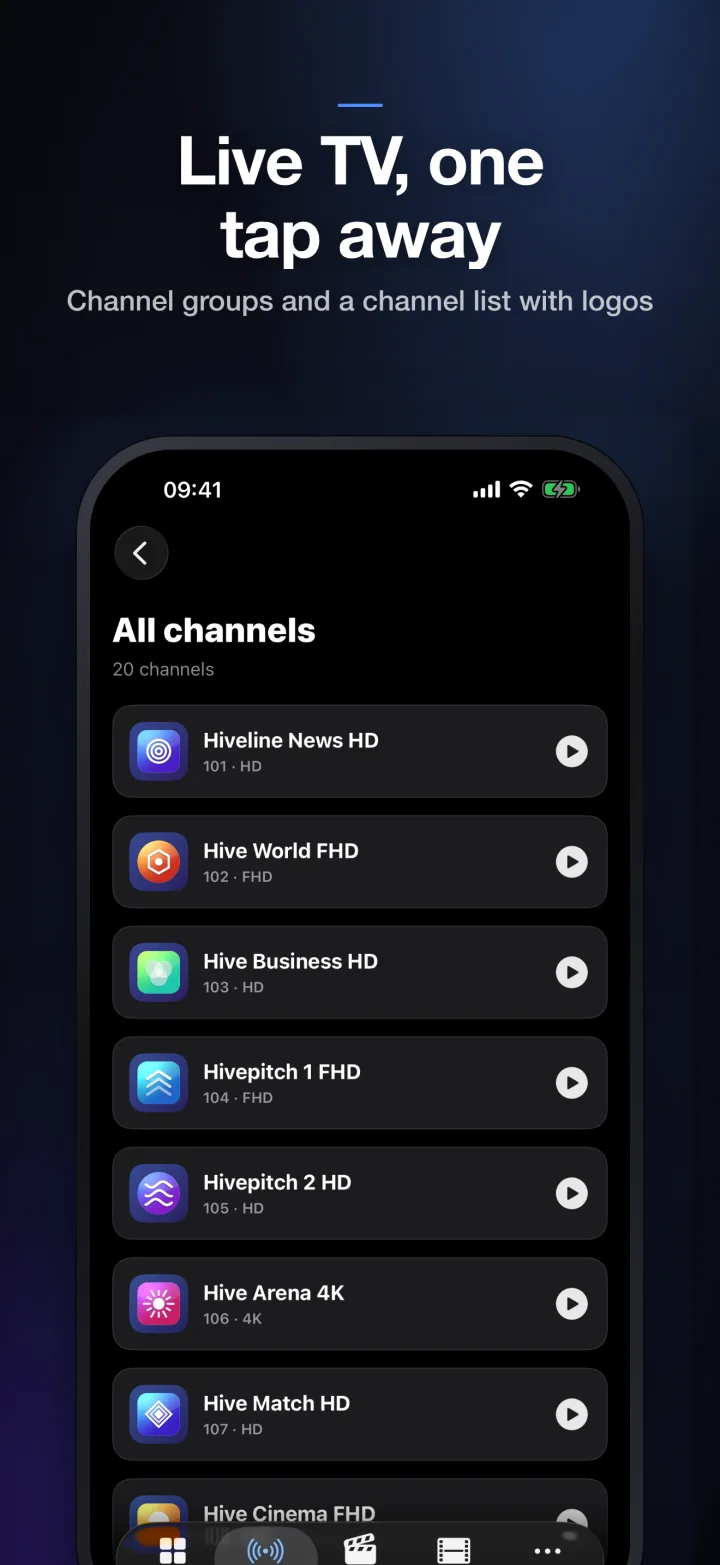
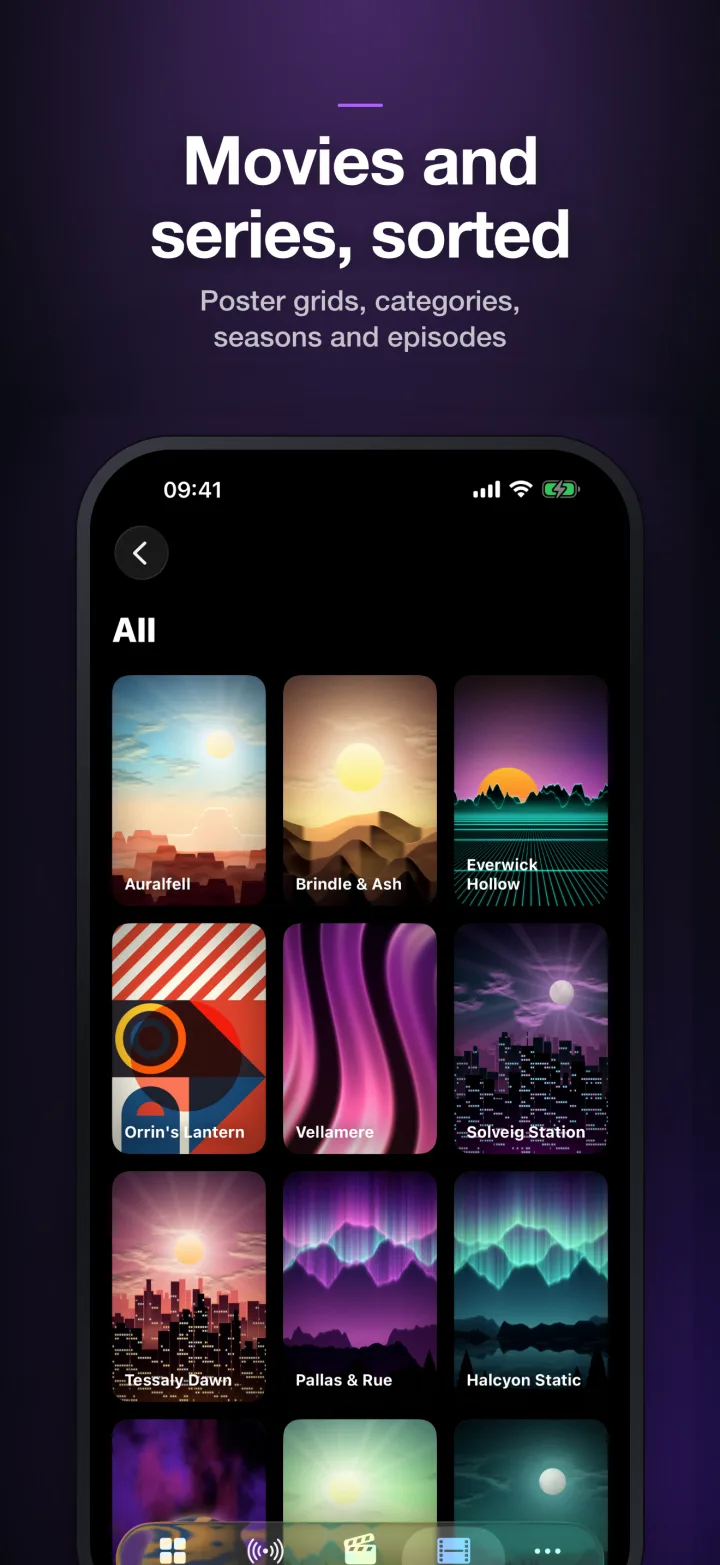
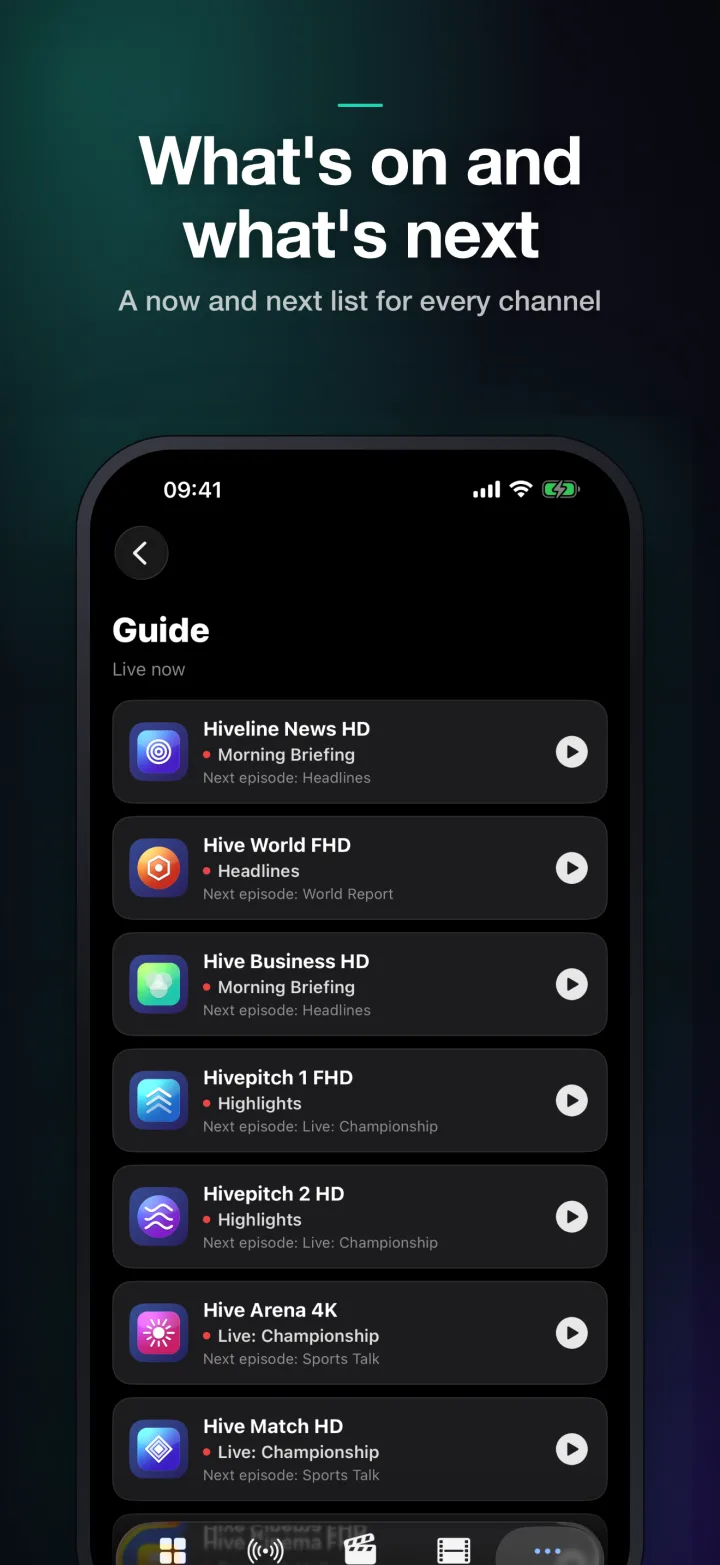
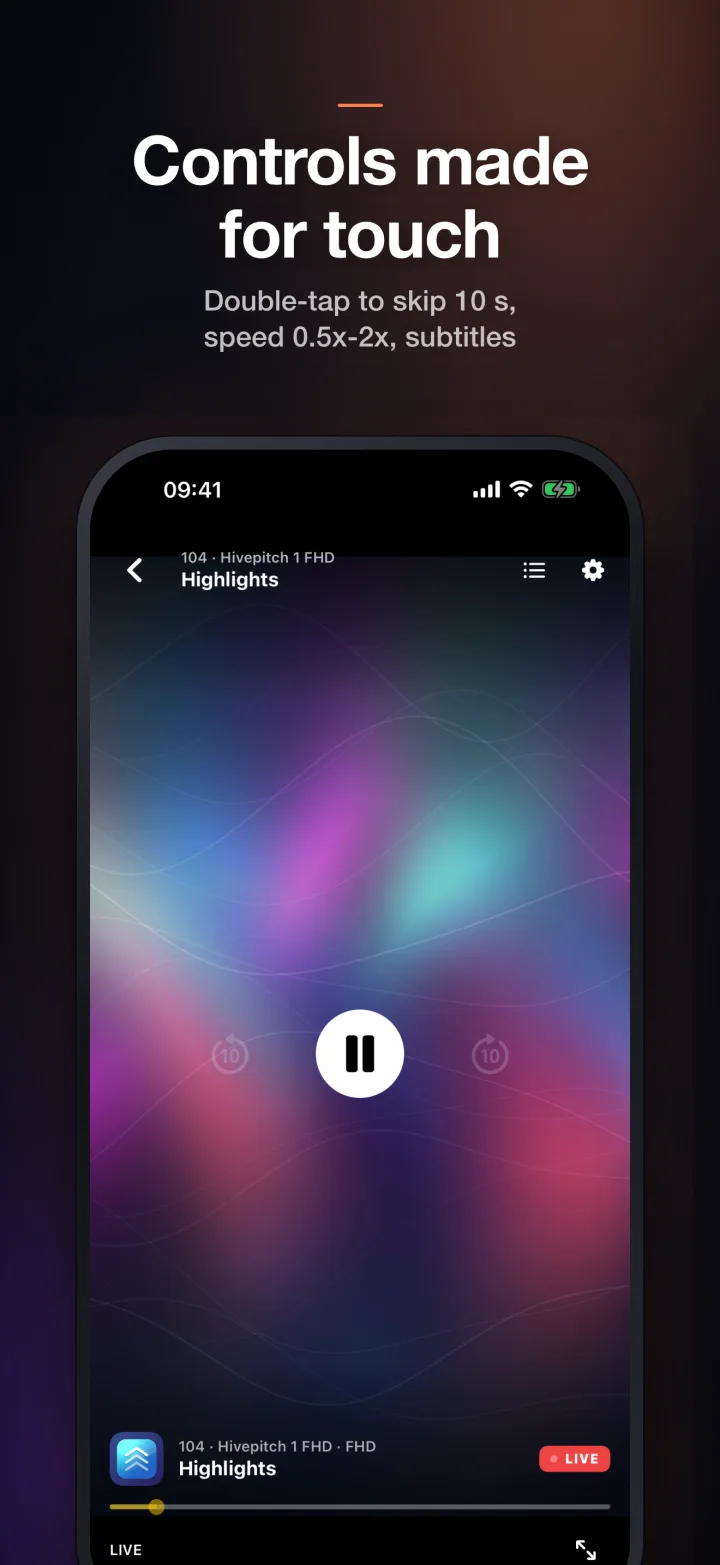
Every screen
A touch-first player: double-tap to skip 10 seconds, playback speed from 0.5× to 2×, and a now-and-next TV guide.
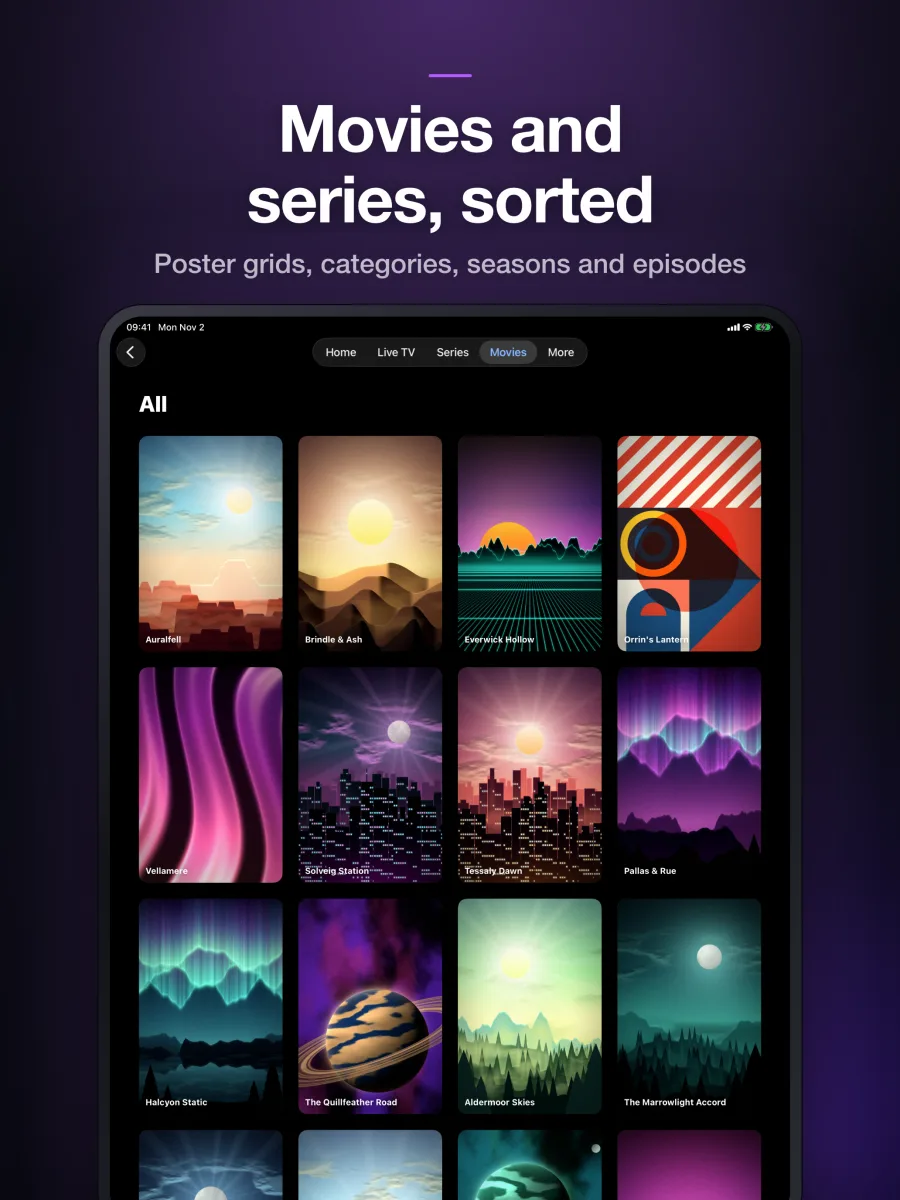
The same fluid touch experience with room to breathe on the larger display.
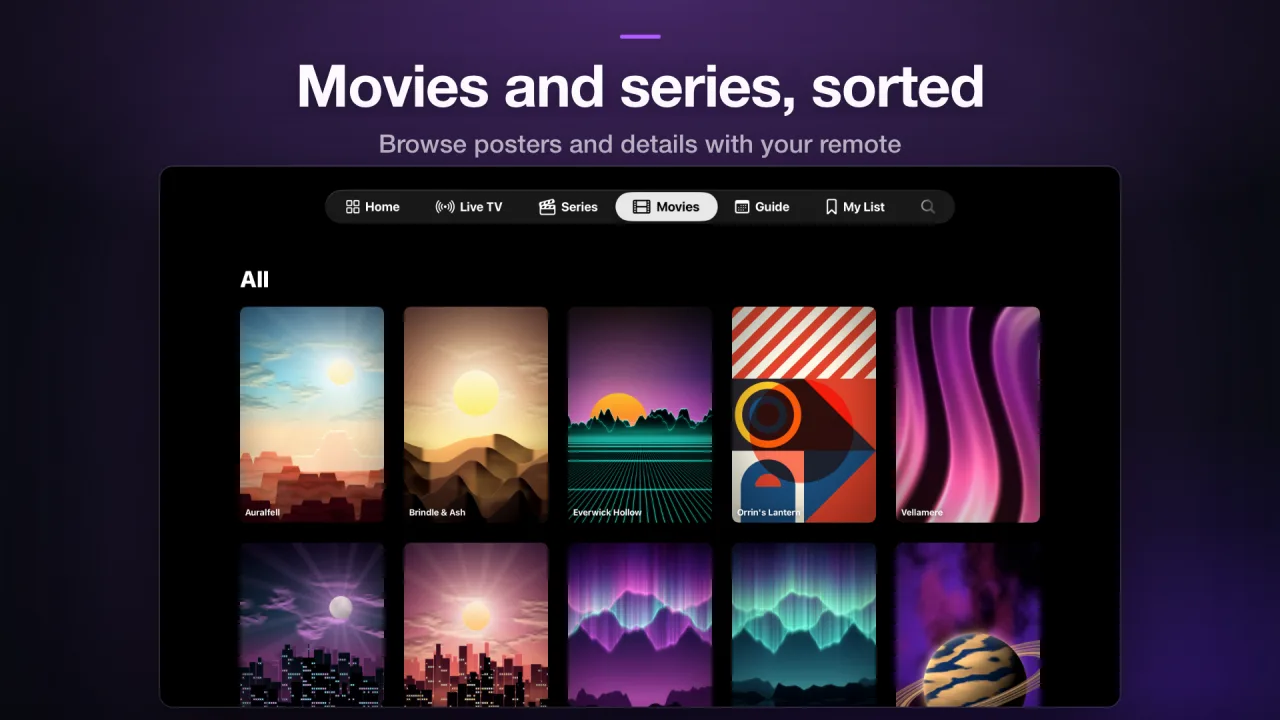
A big-screen Home with a hero banner and shelves, tuned for the Siri Remote and smooth focus navigation.
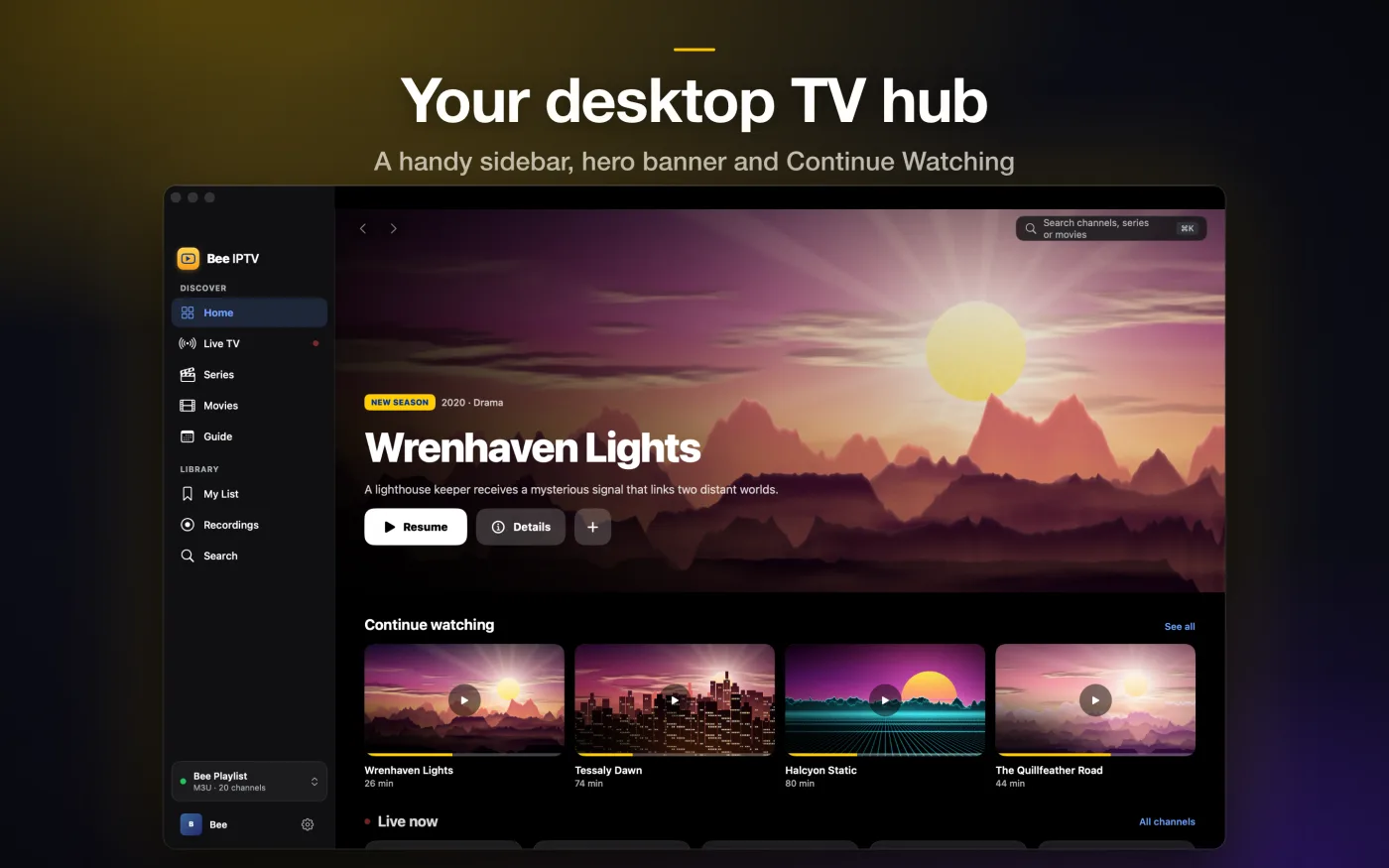
Sidebar navigation, a channel-by-time guide grid, record live TV to a local file, keyboard shortcuts and local M3U import.
How it works
Sign in with your Xtream Codes server URL, username and password, or paste your M3U/M3U8 playlist URL.
Your channels, movies, series and programme guide are organised for you. Credentials are kept in the system Keychain.
Switch between several sources whenever you like and rewind live TV where your provider supports it.
FAQ
No. Bee IPTV Player is a media player only. It does not provide, host or distribute any content, channels or playlists. You need your own subscription or playlist from a provider you choose, and you are responsible for the content you access.
Xtream Codes logins (server URL, username and password) and M3U / M3U8 playlist URLs on every platform, plus local M3U files on the Mac. You can add several sources and switch between them.
iPhone, iPad, Apple TV and Mac, from a single App Store listing.
Credentials are stored in the system Keychain on your device and the app talks directly to your provider. We do not run servers that receive your data. Read the full Privacy Policy.
Write to support@bee-iptv.app or visit the Support page. Please never include your password in a message.

Download Bee IPTV Player from the App Store and bring your own sources.
Download on theApp Store